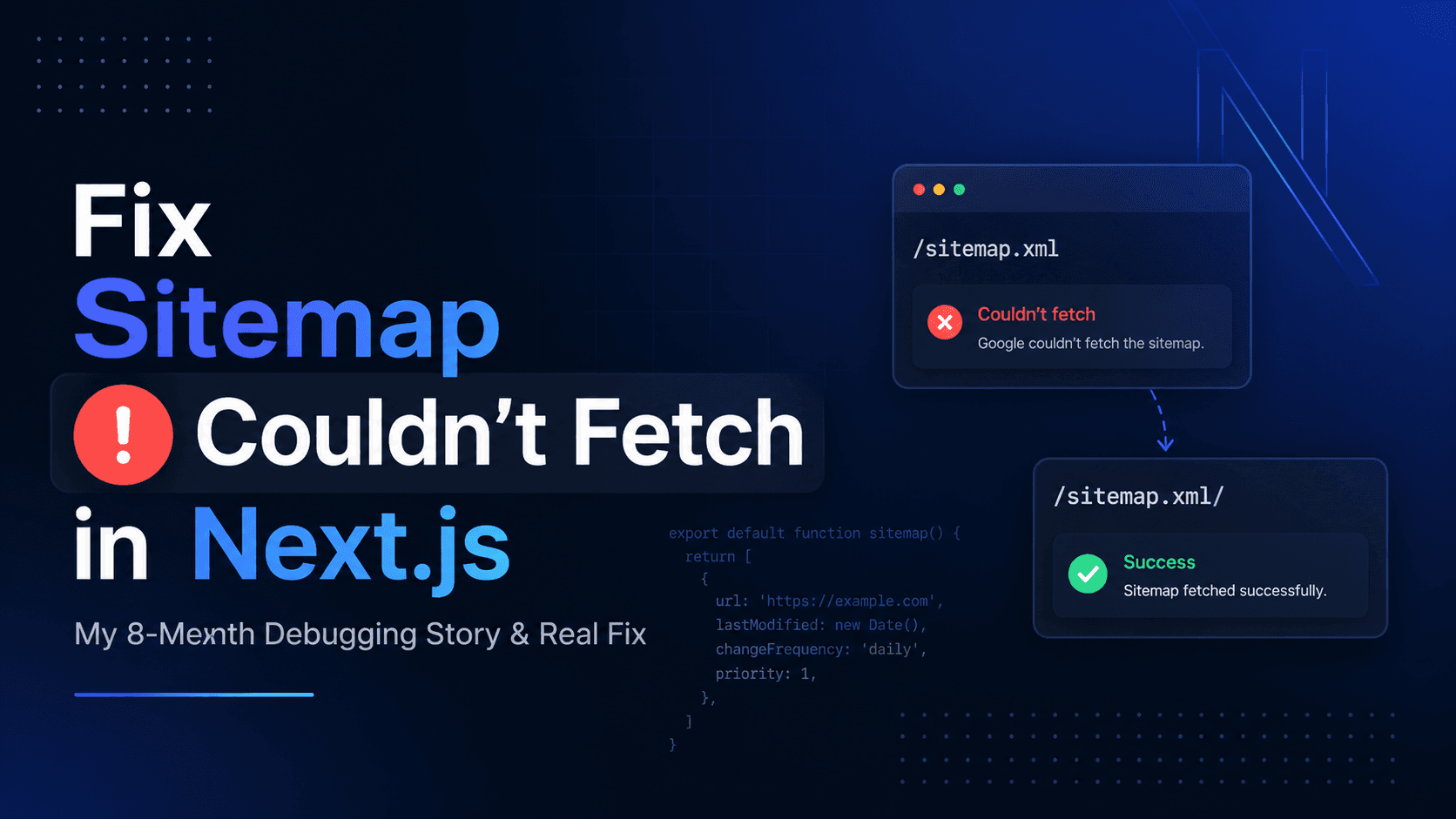
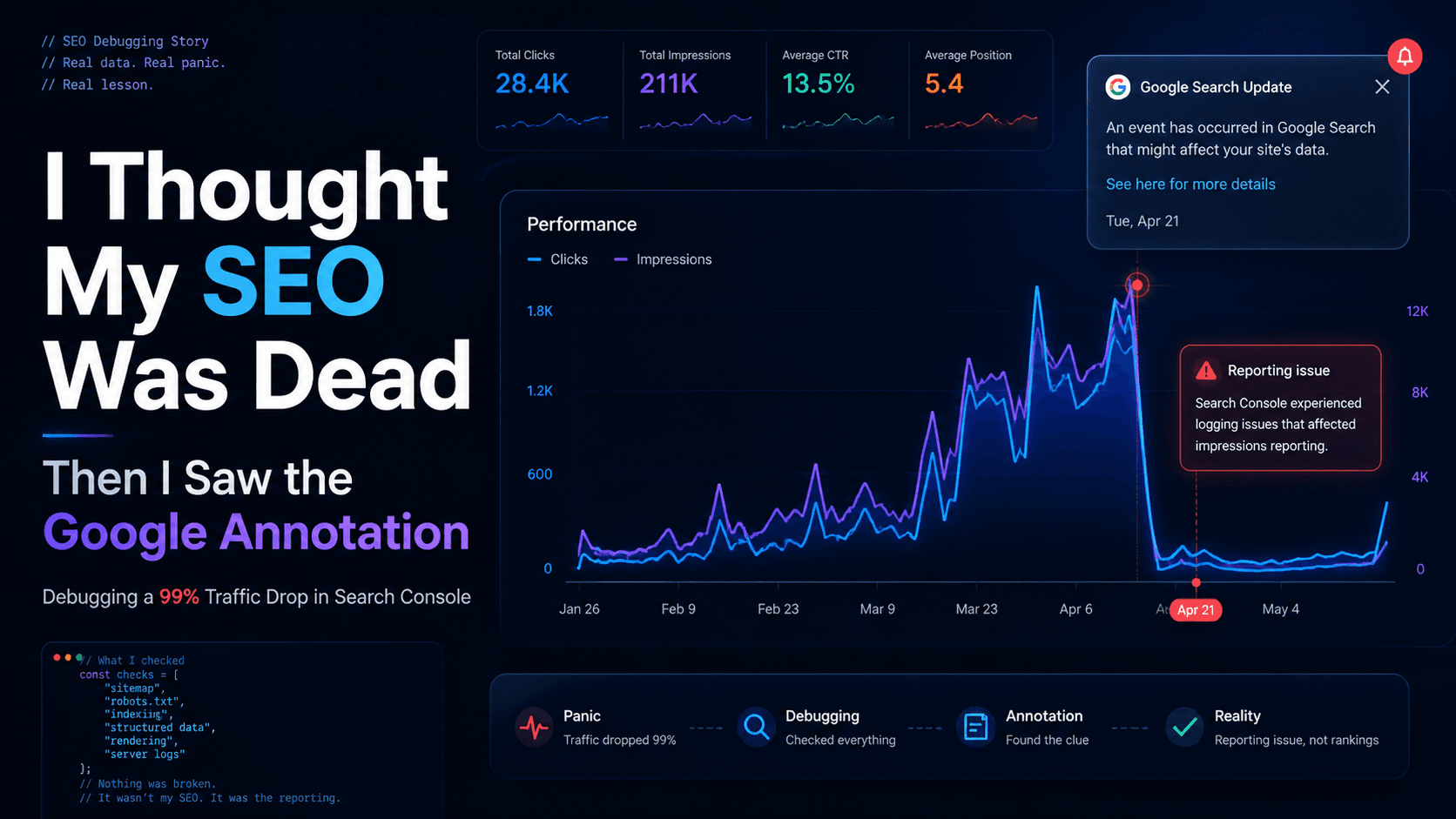
If you're facing the “Sitemap Couldn't Fetch” issue in Next.js, this guide shows the exact fix that worked for me after 8 months of debugging. If Google Search Console still shows Couldn't fetch for your Next.js sitemap while the same URL looks fine in your browser, this walkthrough is the distilled version of what finally worked — no fluff, just the sequence that broke the loop.Also read:I Thought My SEO Was Dead — Then I Saw the Google AnnotationFor almost eight months, Google Search Console told me my sitemap could not be fetched. Not a warning. Not a soft issue. Just Couldn't fetch—again and again.I did the sensible things. I resubmitted the sitemap. I checked robots.txt. I redeployed. I re-verified the domain. I opened the URL in my browser and saw clean XML. On paper, nothing was wrong. In Search Console, nothing was right.It was one of those bugs that makes you doubt your own sanity: the kind where the tooling is blunt, the signal is noisy, and your brain keeps asking what am I even missing here?Plenty of write-ups describe the same pain as a Google Search Console sitemap error; forum posts often say sitemap not fetched Next.js even when sitemap.ts looks textbook-perfect. When you are hunting a Google couldn't fetch sitemap fix, the dashboard rarely tells you which URL shape the crawler actually resolved—only that it gave up.
The sitemap URL I kept submitting was:https://www.parveenkumar.info/sitemap.xmlSearch Console’s status was Couldn't fetch.Meanwhile:
The XML was valid
The domain was correct
The URL opened fine for me in a normal browser session
So I was stuck in the worst place: everything looked correct, but Google disagreed.This is what Submitted sitemaps looked like for the failing URL—Couldn't fetch, unknown type, zero discovered URLs:
Google Search Console sitemap error: sitemap.xml without trailing slash shows Couldn't fetch for this Next.js property
Here is the part that really fried me.Same stack. Same Next.js version. Same hosting patterns I use elsewhere. A client site with a similar setup was fine—but my own site refused to cooperate.That mismatch is brutal because you stop trusting the obvious answers. You start wondering if Google is broken, or if your DNS is haunted, or if some invisible flag is set wrong in the universe.It was not dramatic on the outside. On the inside, it was months of low-grade stress every time I opened Search Console.
I tried submitting the same sitemap with a trailing slash:https://www.parveenkumar.info/sitemap.xml/That sounds silly until it works.After the / was in place, Google fetched it successfully. Same app. Same file conceptually. Different URL shape.If you are dealing with a stubborn Couldn't fetch on a Next.js route-based sitemap, this is the first thing I would try now—before you burn a weekend chasing ghosts.
I am not inside Google’s crawler, so I will not pretend I have a single guaranteed root cause. In the real world, it is usually a mix of boring things:
Caching at the edge (CDN, hosting, stale responses)
Google-side caching and delayed reprocessing
Trailing slash routing differences, especially when frameworks treat /file and /file/ as related-but-not-identical routes
None of that shows up as a neat stack trace. It shows up as a blunt status label in a dashboard.
Next.js can generate sitemaps from routes (sitemap.ts / sitemap.xml behavior in the App Router). That is convenient, but it also means you are leaning on framework routing + hosting rewrites more than a dumb static file on disk.Trailing slash behavior can differ depending on how your host normalizes URLs and how redirects are applied. When Google fetches your URL, it might not follow the same path your browser session follows.So: do not assume “works in my browser” equals “works for Googlebot.” Test the exact URL you submit, and test small variations.
Once Google accepted the fetch, the story got boring in a good way:
Status moved to Success
Discovered URLs started showing up again
Indexing behavior returned to what I expected for a normal content site
Same property, after I submitted https://www.parveenkumar.info/sitemap.xml/ (note the trailing slash)—type Sitemap, status Success, and the URLs showed up again:
Google Search Console showing sitemap success after adding trailing slash in Next.js — type Sitemap, discovered URLs visible againBoring dashboards are underrated.
These are the traps that kept me spinning longer than necessary:
Submitting the wrong URL — a with-slash / without-slash mismatch between what you type in the browser, what your host redirects to, and what you paste into Search Console.
Ignoring redirects — a chain or rule that looks fine in dev can still produce a different final URL for Googlebot.
Not testing incognito — extensions, cookies, and a warm cache can make a broken URL look fine in your normal profile.
Assuming browser = Googlebot — if you only verify “it opens for me,” you have not verified the exact URL you submitted, with the same response Google sees.
FAQ
Common questions about fixing sitemap issues in Next.js
Does trailing slash matter in sitemap URL?
Yes, in some cases it does. In my situation, submitting sitemap.xml failed, but sitemap.xml/ worked instantly. This can happen due to routing or how your hosting/CDN handles URLs. Always test both versions.
Should I rename the sitemap file?
If adding a trailing slash does not fix the issue, renaming the sitemap URL (like /sitemap-main.xml) can help. This forces Google to treat it as a fresh resource and bypass cached errors.
How long does Google take to re-fetch sitemap?
It can take a few minutes to a few hours. Sometimes even longer depending on crawl frequency. After submitting, give it time before assuming it is still broken.
Is this a Next.js issue?
Not directly. It is more about how Next.js routing, hosting, and Googlebot interact. Next.js dynamic routes combined with trailing slash handling can sometimes create subtle differences.
Why did it work on another site but not mine?
This is usually due to differences in caching, DNS, hosting configuration, or URL normalization. Even with the same stack, environments can behave differently.
What should I check before trying this fix?
Make sure your sitemap URL opens correctly, returns valid XML, is not blocked by robots.txt, and does not have redirect loops. Then try the trailing slash variation.
If this helped, bookmark this or share it — this issue wastes months.